
Must-have Mac apps
A living list of Mac utilities worth installing: always-on-top pinning, keyboard tiling, and a real launcher. Start with Floaty, Rectangle, and Raycast.
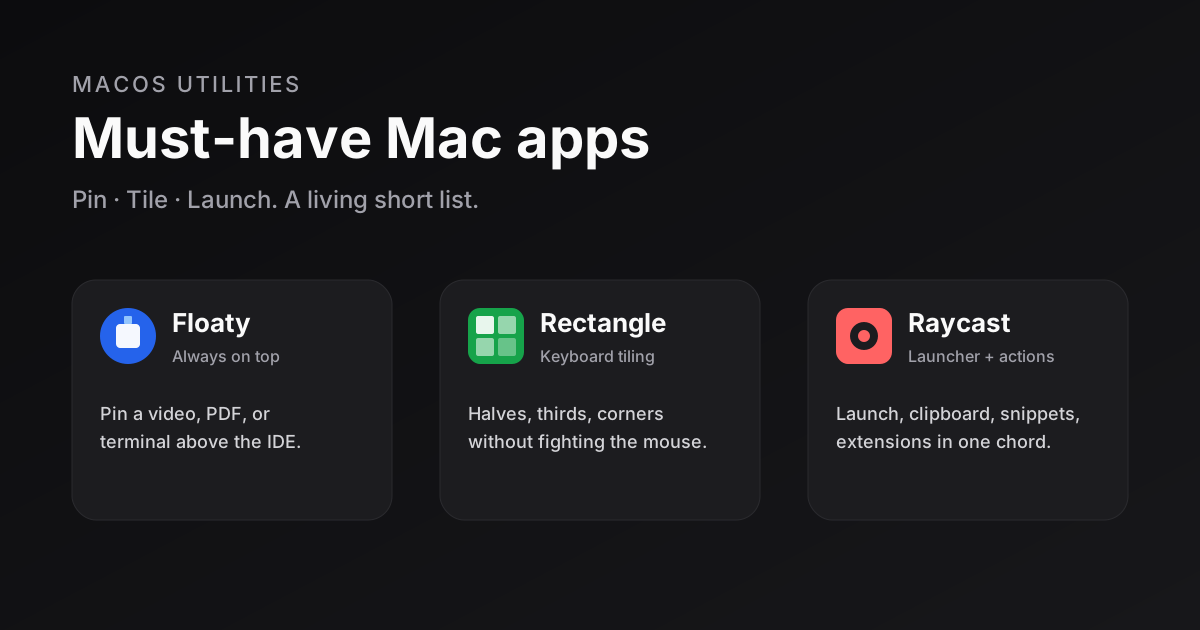
A useful Mac setup is not about collecting utilities. It is about removing friction from windows, layout, and launch. This post is a living short list. So far: Floaty, Rectangle, and Raycast. More can land here later without renaming the page.
| App | Job | Cost | Best for |
|---|---|---|---|
| Floaty | Always on top | Free tier / App Store Lite | Tutorial, PDF, Zoom, logs while you code |
| Rectangle | Keyboard tiling | Free (OSS); Pro optional | Halves, thirds, corners, multi-monitor |
| Raycast | Launcher + actions | Free core; Pro optional | Replace Spotlight, clipboard, snippets |
Floaty: keep one window above everything
macOS still lacks a first-class “always on top” toggle for arbitrary apps. Floaty fills that gap without turning into a mega automation suite.
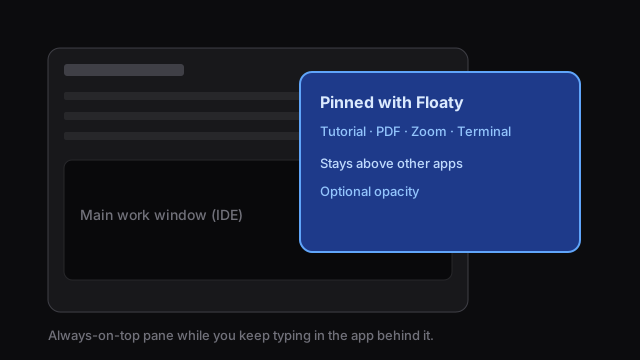
- Pin almost any window so it stays visible while you work in another app.
- Drop opacity when a floating video or doc should not fully block the editor.
- Typical uses: tutorial + IDE, ticket PDF + code, Terminal during deploy.
Setup: install → grant Accessibility → pin one window → unpin when done so the desktop stays calm. Pair with Rectangle (or Raycast window actions) for placement; Floaty only owns the pin.
Rectangle: tiling without the drama
If you know Windows snap or Linux tiling, stock macOS still feels underpowered for keyboard layout. Rectangle is free, open source, and boring in the best way.
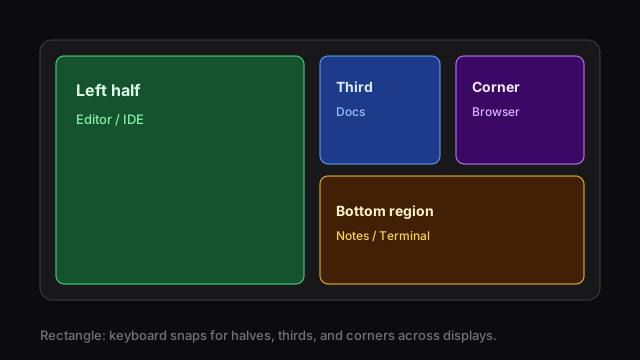
- Snap to halves, corners, thirds, and other presets with global hotkeys.
- Works cleanly across displays; lives quietly in the menu bar.
- Starter map: left/right half for code + docs; maximize in-display for focus; corners/thirds on ultrawide.
Apple improved system tiling, but thirds, multi-monitor muscle memory, and predictable hotkeys still favor Rectangle. Pro is optional; the free build covers daily layout.
Raycast: the launcher that replaces a tray of apps
Raycast is Spotlight with an API and a bias toward developers. Bind it to Option-Space (or your chord) and stop hunting the Dock.
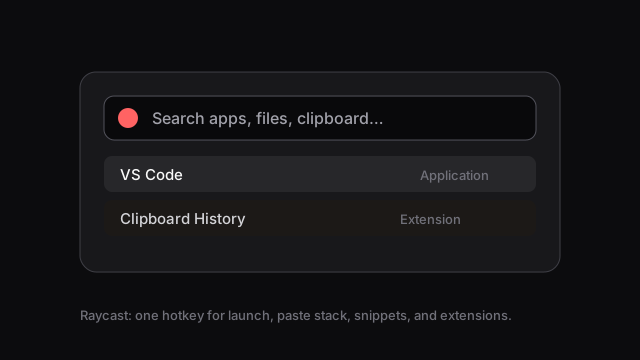
- Launch apps, files, windows, and deep links.
- Clipboard history so the last copy is not gone forever.
- Snippets, extensions (GitHub, issue trackers, system tools), and basic window snaps.
- AI on Pro is optional; the free tier already changes how you drive the Mac.
Setup that matters: grant Accessibility → steal Spotlight’s hotkey → enable clipboard history → pin a few extensions you will actually use. If Raycast snaps feel enough, try a week without Rectangle; put Rectangle back if you miss thirds.
How they fit together
- Raycast opens the thing (
Option-Space). - Rectangle places the main window (half / maximize / third).
- Floaty pins the secondary pane (call, video, checklist).
Example: IDE left half (Rectangle), docs right third, tutorial pinned above (Floaty), next PR opened from Raycast without leaving the keyboard.
Install checklist
- Rectangle — set half/maximize hotkeys.
- Raycast — own the launch chord; turn on clipboard history.
- Floaty (or App Store Lite) — Accessibility; pin once to confirm.
- Login Items — all three survive reboot.
- Three shortcuts on a sticky note for a week; muscle memory does the rest.
Skip Magnet, Moom, BetterTouchTool, and Alfred on day one unless a weekly pain remains. Start here; add specialists later.
Verdict
- Floaty when something must stay visible.
- Rectangle when something must sit in a grid.
- Raycast when you want a command instead of a hunt.
One install: Raycast. Two: add Rectangle. Add Floaty the first time you resize a tutorial window for the tenth time in an hour.