
Imagine - Grok
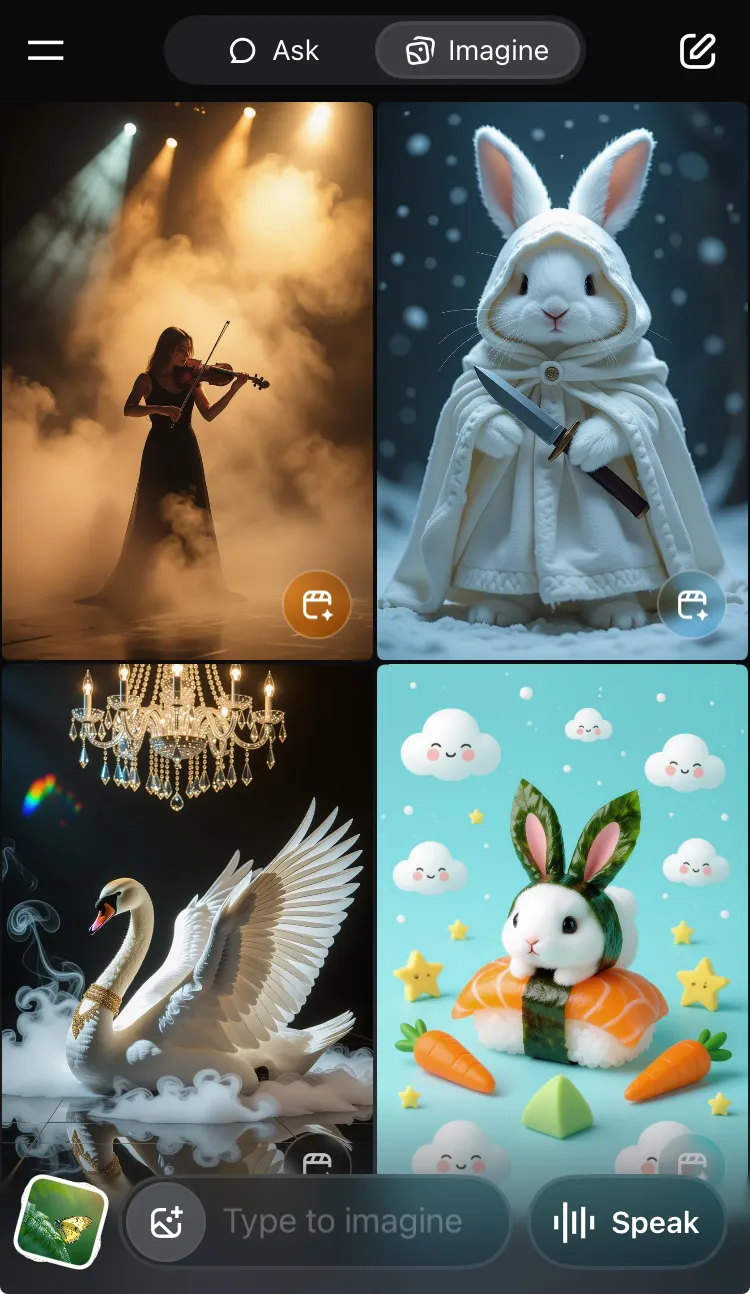
Grok Imagine is xAI's fastest AI image and video generation model. Generate images from from text prompts, upload images to generate videos, and add speech to your creations.

Overview
Grok Imagine is xAI's fastest AI image and video generation model that creates content from text prompts, converts uploaded images to videos, and adds speech to video content.
Core Features
Text-to-Image Generation
Generate images from text prompts. On scroll, the images are generated in split seconds.
How did xAI make the generations so fast pic.twitter.com/IwQc7stg0T
— Tech Dev Notes (@techdevnotes) July 30, 2025
Image-to-Video Generation
6-second videos can be created from generated Imagine images or uploaded images.
Speech-in-Video
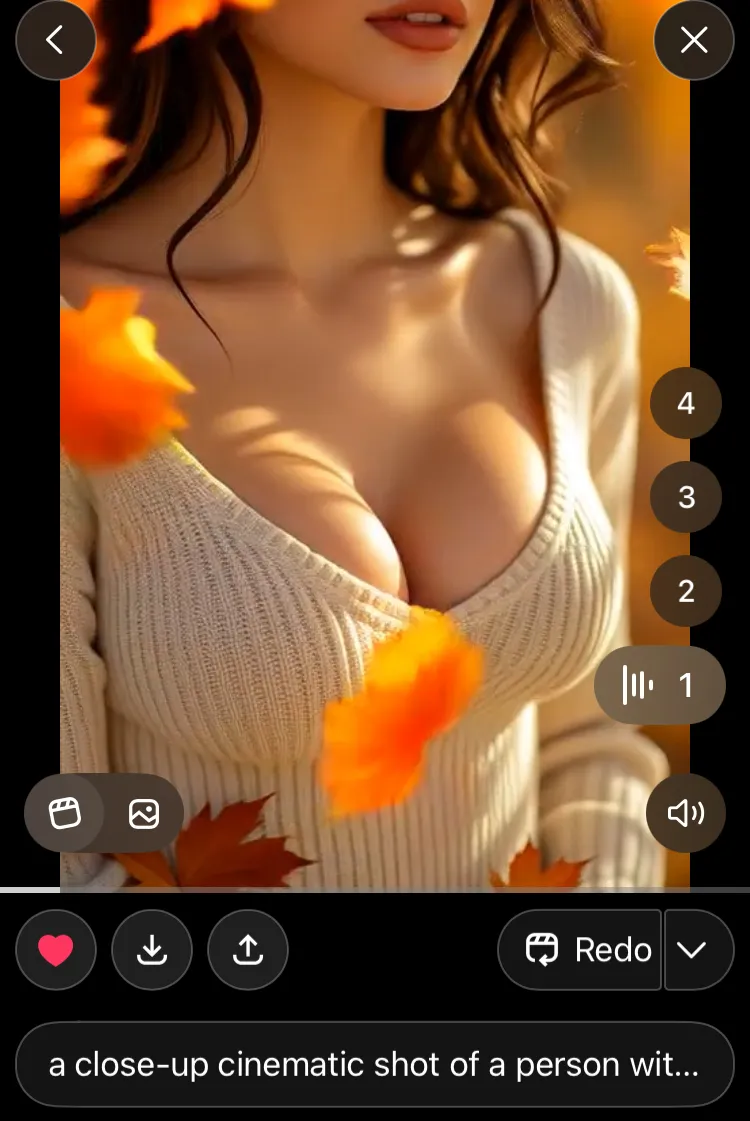
Add speech to videos by entering text in a text box. The system generates spoken audio synchronized with video content.
Demo of Upcoming Speech feature in Imagine's Video gen https://t.co/FZ9wA3Zd7Y pic.twitter.com/z5IbuVFW3u
— Tech Dev Notes (@techdevnotes) September 3, 2025
Multiple Generation Modes
- Normal: Standard generation mode
- Fun: Exaggerated, playful results
- Spicy: Uncensored mode for adult content (disabled for user-uploaded images and moderated in some regions like UK)
Spicy Mode
This demo is Mild, but it can go much further.
Voice Input
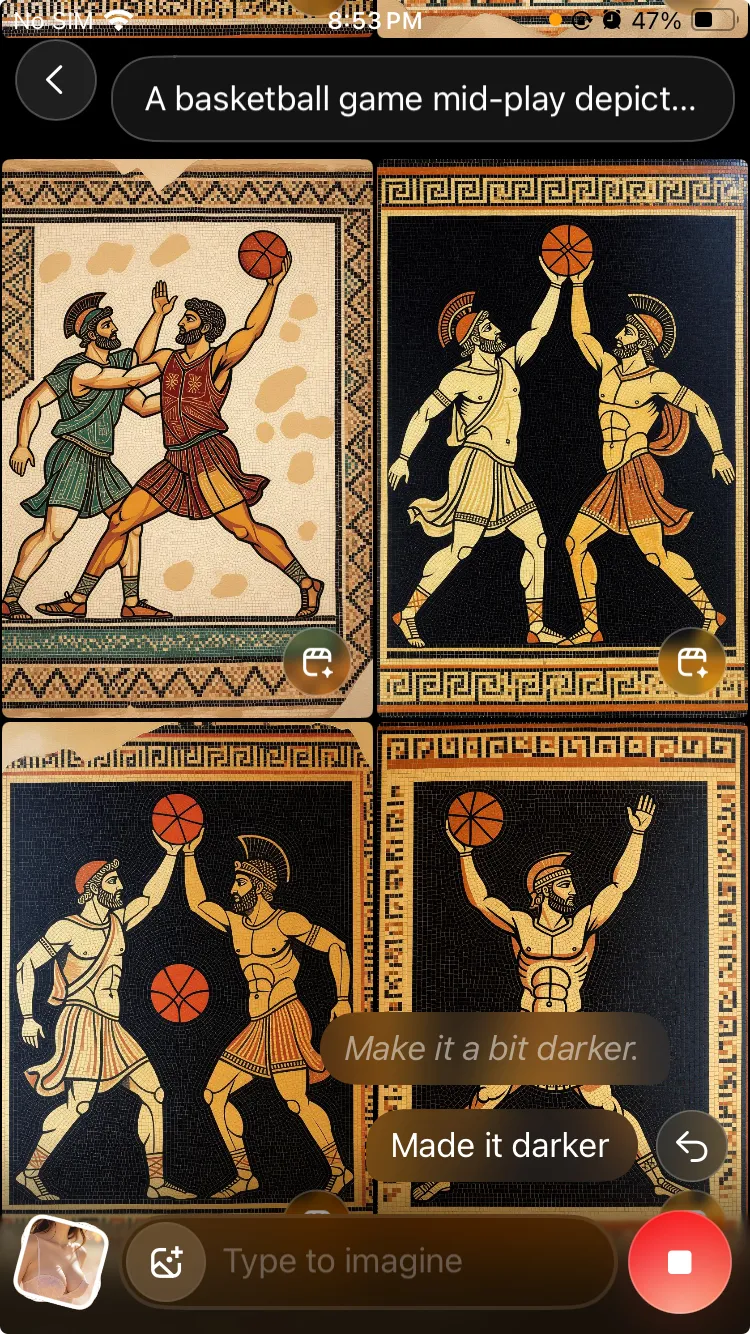
Use voice input to generate images. Supports natural speech for prompt entry and iteration.
Technical Specifications
Image Generation
- Dimensions: 832x1248 pixels
- Format: PNG
- Generation Time: Split seconds
- Variants: Multiple images per prompt
Video Generation
- Dimensions: 464×688 pixels
- Format: MP4
- Default Length: 6 seconds
- Extended Options: 12, 18, 24, 30 seconds (coming soon for SuperGrok users)
- Generation Time: ~17 seconds
- Audio Options: 4 audio generations per video (iOS), mute option
Audio Features
- Text-to-speech: Enter text in a text box to generate spoken audio for videos
Daily Limits
Daily generation limits vary by subscription tier and can change over time:
- Premium: 50 videos
- Premium+/SuperGrok: 100 videos
- SuperGrok Heavy: 500 videos
Free users also have access to Imagine's image gen and video gen, but with limited limits.
Availability and Access
Platforms
Grok Imagine is available on:
- iOS App: Full feature set with premium options
- Android App: Complete functionality
- Web: grok.com/imagine
Usage Guide
Getting Started
- Open the Grok app or visit grok.com
- Navigate to the Imagine tab
- Choose your input method: text prompt, image upload, or voice input
Input Methods
Text Prompts: Enter descriptive prompts like "A cinematic close-up shot of a racing car" to generate images. More specific prompts yield better results.
Image Upload: Upload photos from your camera roll to generate 6-second videos with animation and optional audio.
Voice Input: Use voice input by tapping the microphone icon for natural speech prompt entry and image generation iteration.
Advanced Features
Share Templates
When sharing Imagine videos on X (formerly Twitter), the app automatically generates:
- "Generated with Grok Imagine:" prefix
- Original prompt text
- "Create your own on Grok iOS and Android" call-to-action is seen on X under Imagine Video Posts
X App now Automatically shows "Create your own" under an Imagine generated video
— Tech Dev Notes (@techdevnotes) August 7, 2025
Tapping on it redirects to Grok App where you can see Prompt and Make Imagine video of it pic.twitter.com/Rbt2oAmncr
Share Links
Grok Imagine creations can be shared with direct links in the format:
https://grok.com/imagine/post/{post-id}?source=grok_copy_link&platform=ios
Example: https://grok.com/imagine/post/8d29841d-c4d9-4029-88e0-341a1c7dc019
Note: Once a link is shared publicly, it remains public and cannot be deleted or unshared.
Moderation and Safety
- Content moderation for inappropriate requests ("Image query is not allowed")
- Regional restrictions (UK moderation for Spicy mode)
- Spicy mode disabled for user-uploaded images
Integration with Other Features
Direct Chat Integration
Grok Imagine will soon be able to be accessed directly from chat conversations, allowing seamless transitions between text discussion and visual creation.
Imagine Image Gen in Direct Chat coming soon
— Tech Dev Notes (@techdevnotes) September 5, 2025
Can generate 4 images and Redirects to Imagine tab to generate Video and shows See More to continue seeing more Image generations pic.twitter.com/3cujSWiIOr
Performance
Images generate in split seconds, videos in ~17 seconds with real-time voice processing and support for concurrent generation.
As Elon Musk stated, "Grok Imagine is still early beta and is optimized for maximum fun, so should be evaluated as 'fastest time to make a fun, shareable video' rather than visual/audio perfection." Future improvements include training on 110k GB200s for enhanced video models.
Community & Impact
Grok Imagine has seen massive adoption with 44 million images generated daily (as of early August 2025), millions of videos created, active community sharing on X, and integration with popular culture and memes.
Access Grok Imagine at grok.com/imagine or download the Grok app for iOS/Android.